Helm Install Headlamp#
Last chapter, I deployed an app by manually creating & applying manifest files.
This time I’ll use Helm as a more convenient way to install my next app: Headlamp.
Helm#
Helm is “the package manager for kubernetes”.
It allows developers to bundle together all the related manifest files for a given app(s).
This makes it easier to install, configure, and upgrade applications on a cluster.
Installation#
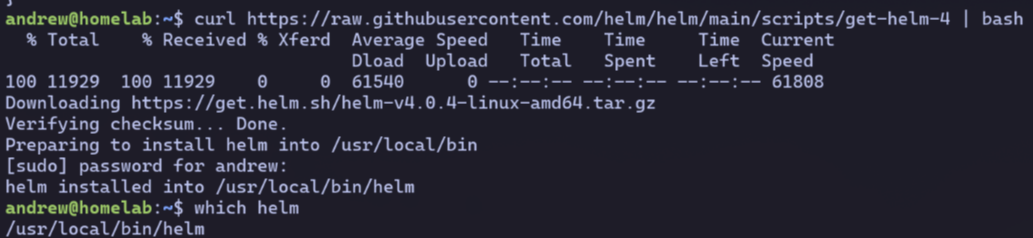
Easily done - I follow the guide and use the install script.
Headlamp#
Headlamp is the successor to the (now deprecated) kubernetes dashboard.
Its a UI that lets you visualize and manage your cluster resources via a web interface.
Helm Install#
Following the helm chart, I run the following:
helm repo add headlamp https://kubernetes-sigs.github.io/headlamp/
helm install my-headlamp headlamp/headlamp -n kube-system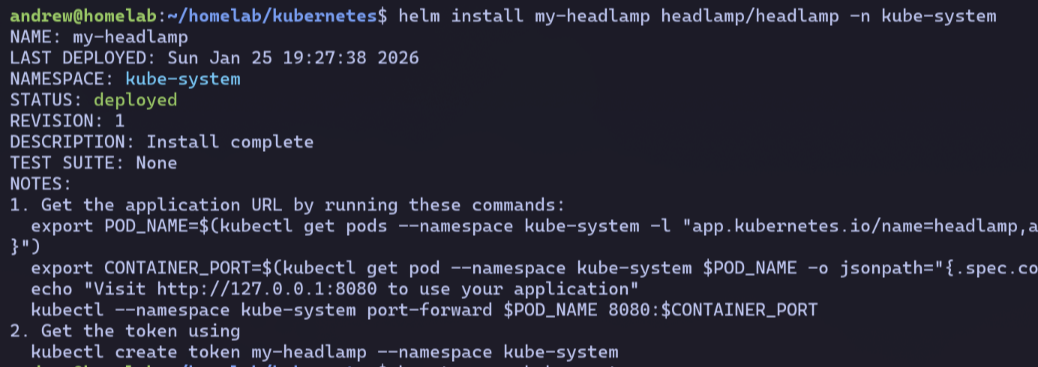
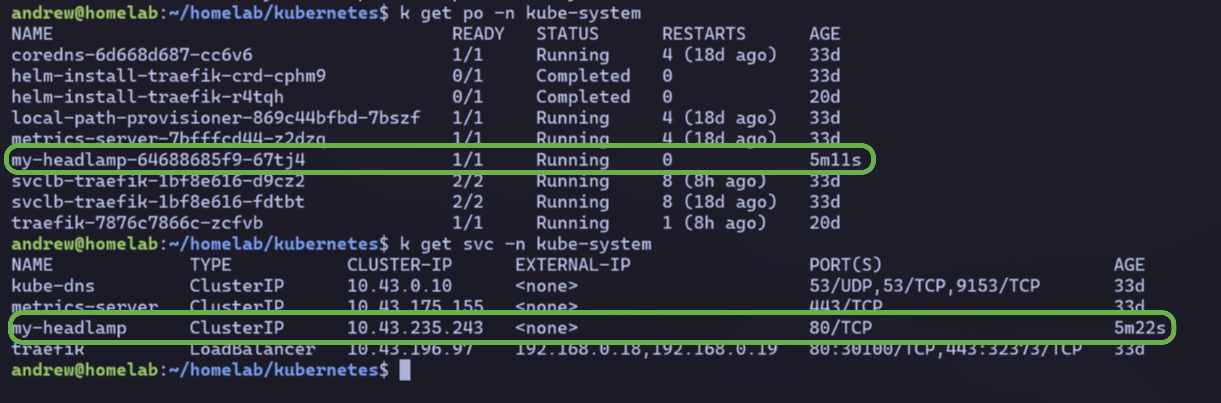
This adds the headlamp repo and installs it in the kube-system namespace.
Ingress#
I’ll still need to set up my own ingress to expose the installed app.
I create a new manifest file for one in my homelab repo at /kubernetes/headlamp/headlamp-ingress.yaml:
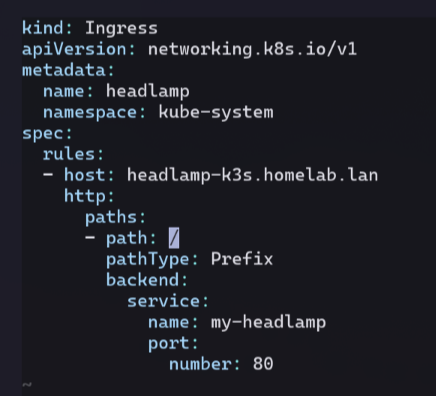
I choose to serve this at headlamp-k3s.homelab.lan
And apply the manifest with kubectl:

DNS Entry#
As always, I add an entry for this in my /etc/hosts file on the homelab box:
(see ch 8 where I configured a wildcard proxy for subdomains to my cluster).
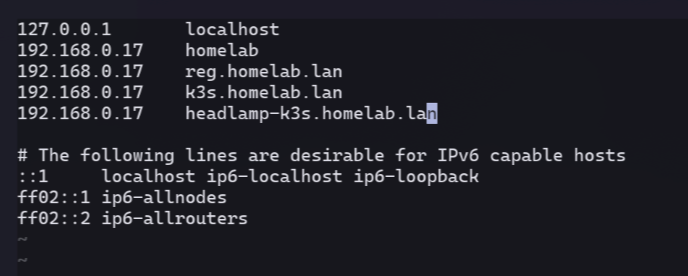
And restart dnsmasq with systemctl (see ch 3 DNS).
Browser Access#
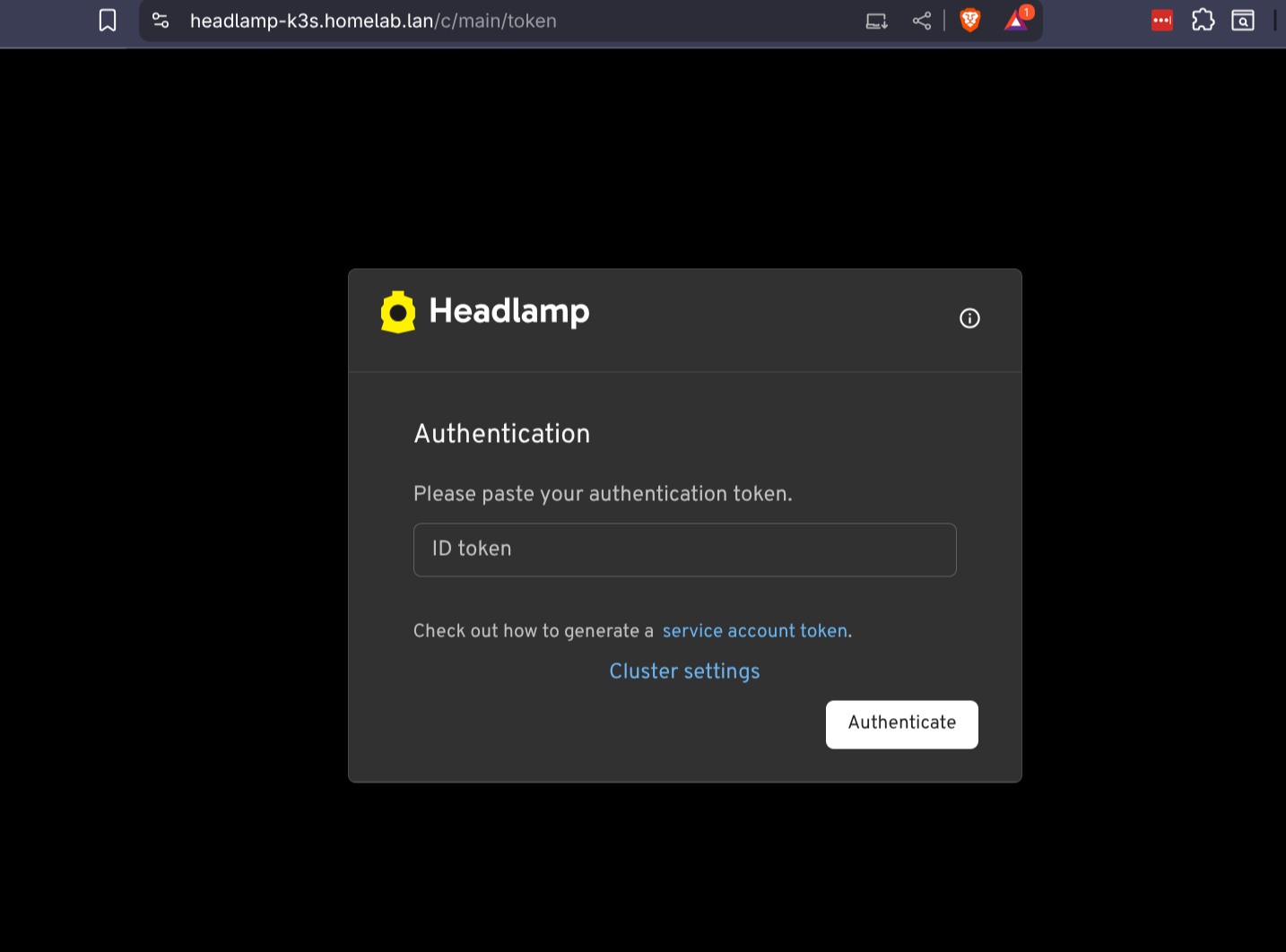
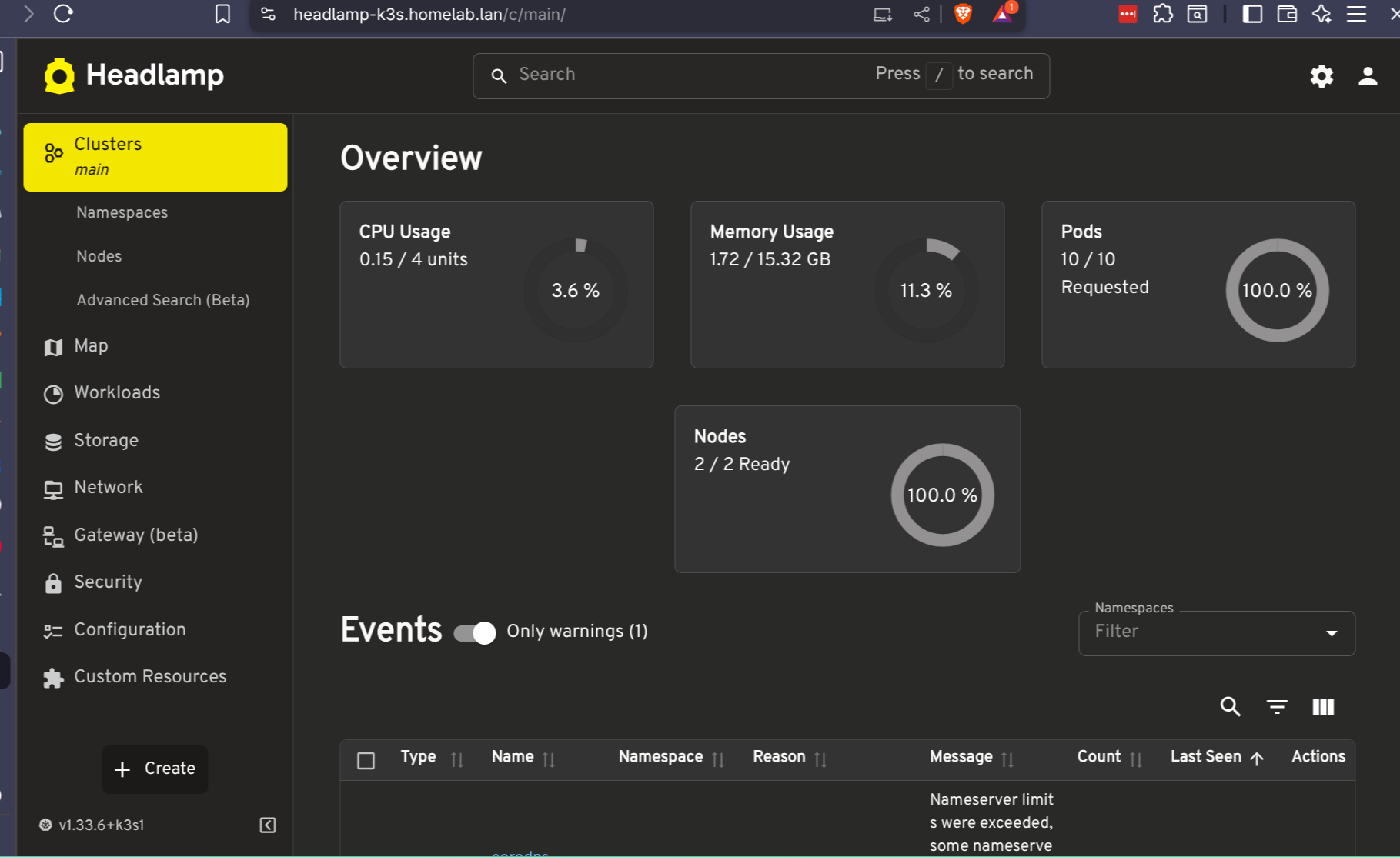
Now when I visit https://headlamp-k3s.homelab.lan on my local network, I see this!
Access Token#
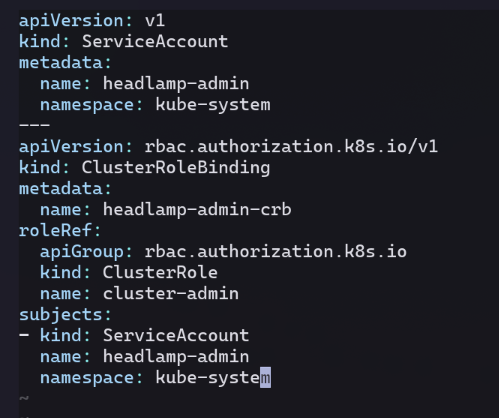
The headlamp docs recommend creating an admin service account to use for login.
I specify the SA and ClusterRoleBinding in a new admin-service-account.yaml:
Apply it, and get a token to use:
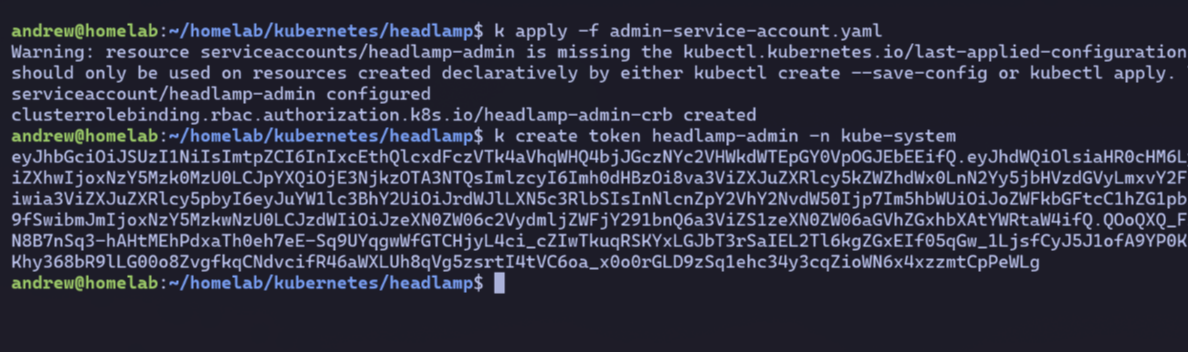
After pasting in the token value, I’m successfully logged in to headlamp!
Homepage Updates#
I want to easily access headlamp from the homepage I deployed in ch 8.
Annotations for Headlamp#
The homepage app ingress manifest had annotations that populated it on the UI.
I edit my headlamp-ingress.yaml file to include similar ones:
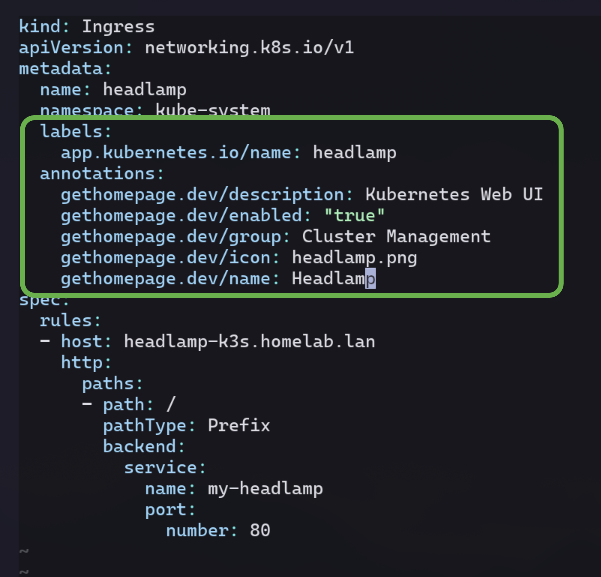
After reapplying the headlamp-ingress and visiting https://k3s.homelab.lan,
behold, it works!
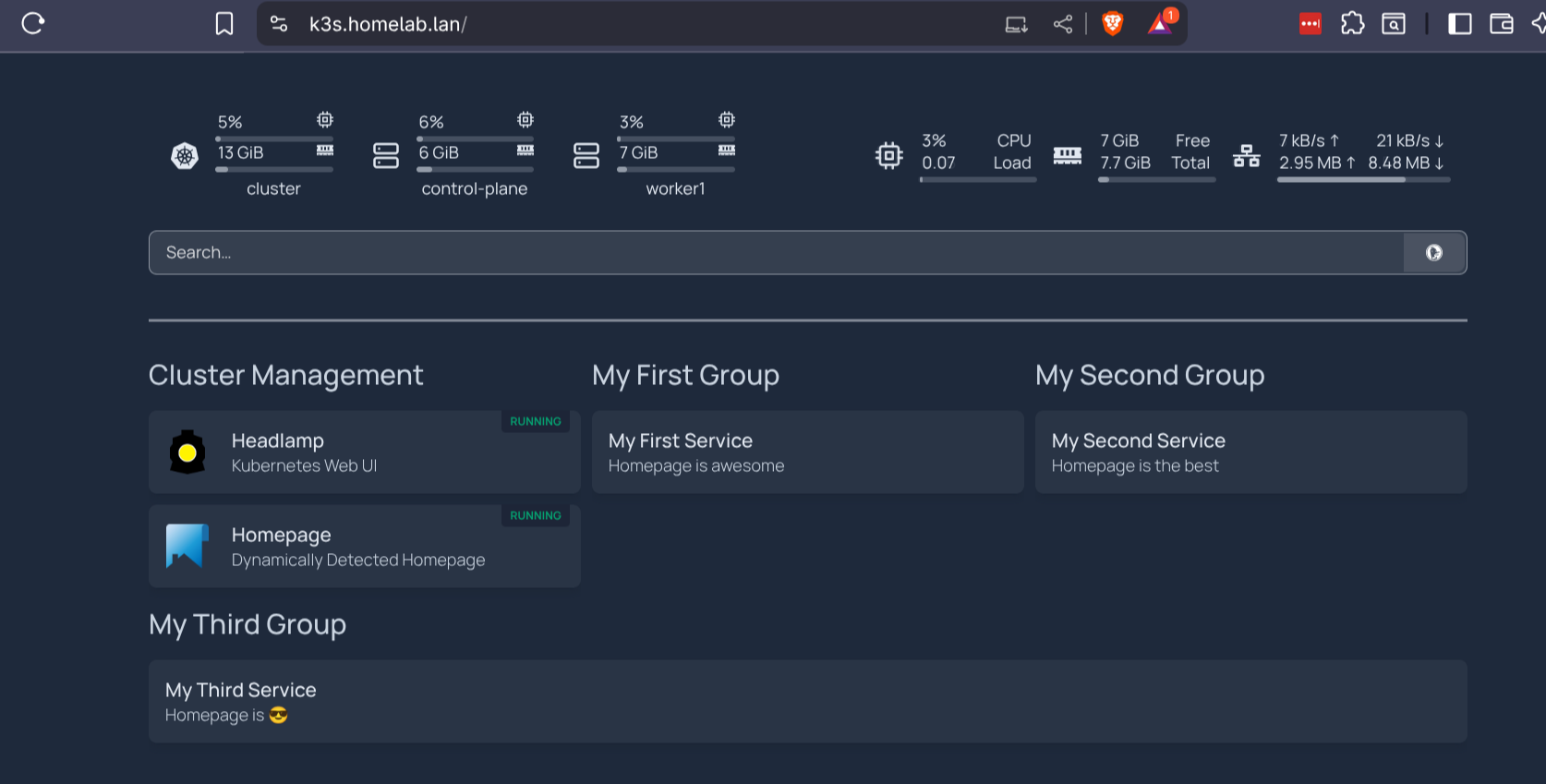
The ‘headlamp.png’ is an included icon for the homepage app.
Remove Placeholder Services#
Now seems like a good time for a quick clean up.
I edit the homepage ConfigMap and replace the services.yaml values with an empty string.
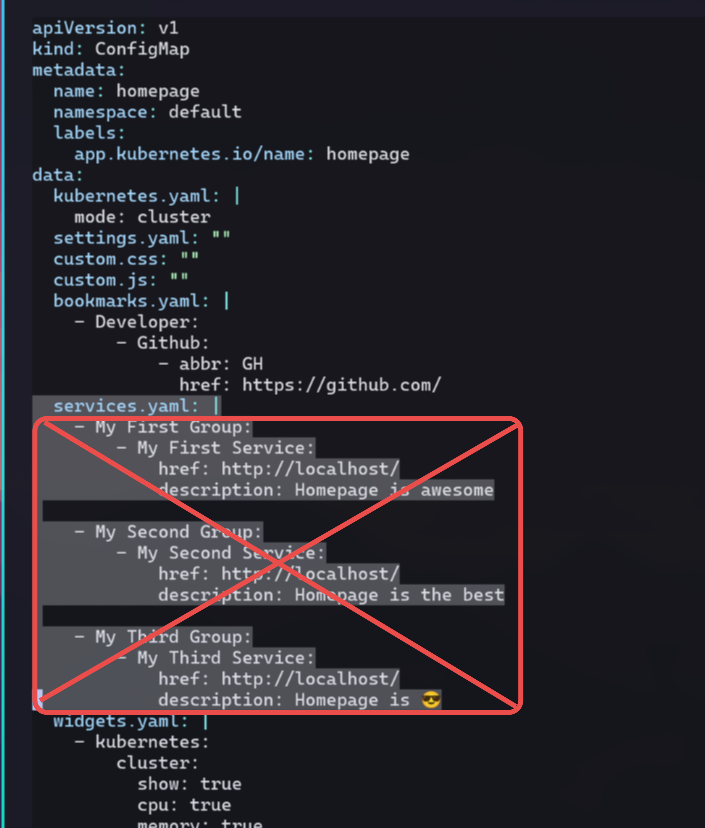
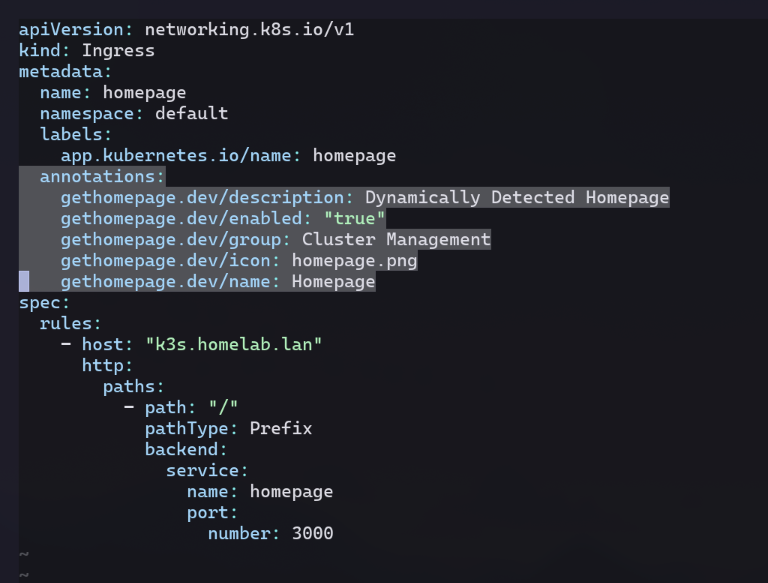
I also remove the annotations from the homepage Ingress,
as I don’t need a link to the homepage on the homepage.
Clean Homepage#
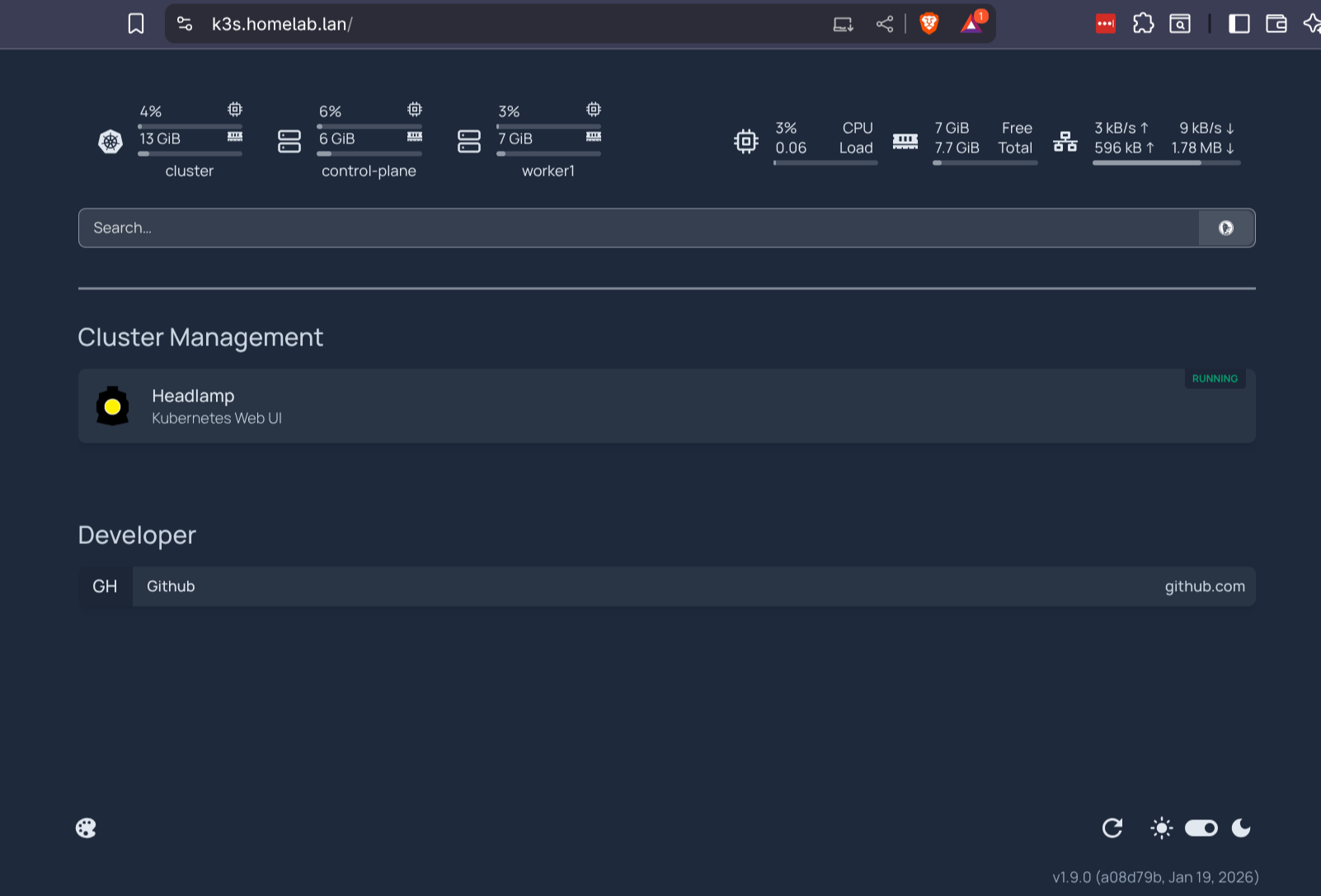
Now I can access Headlamp directly from a newly cleaned up landing page. 👍
See this commit with the files from this chapter.