DNS Server#
A DNS server resolves host names like ‘google.com’ to an IP address.
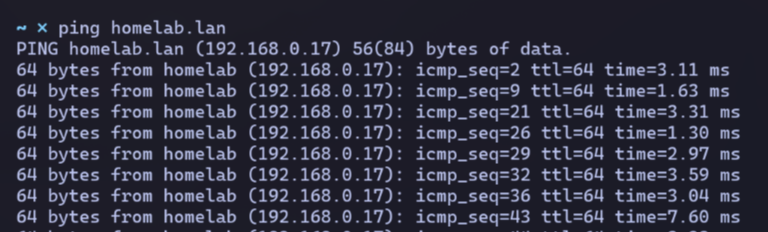
I want a DNS server to resolve a host name like ‘homelab.lan’ on my local network.
Router DNS#
Some home routers include a local DNS server that can be configured.
Mine does not, so I will run one separately on my linux box.
Then I’ll update my router to point to it.
Dnsmasq#
This is an extremely lightweight and simple DNS server.
It often comes bundled with home routers.
Installation#
Easy with sudo apt install dnsmaq
Configuration#
I create a new config file at /etc/dnsmasq.d/homelab.conf with my settings:

Next, I’ll enter the homelab host record in my /etc/hosts file that dnsmasq will read.

I reload the config changes by restarting dnsmaq.

Router Update#
I configure my linux box IP as the primary DNS.
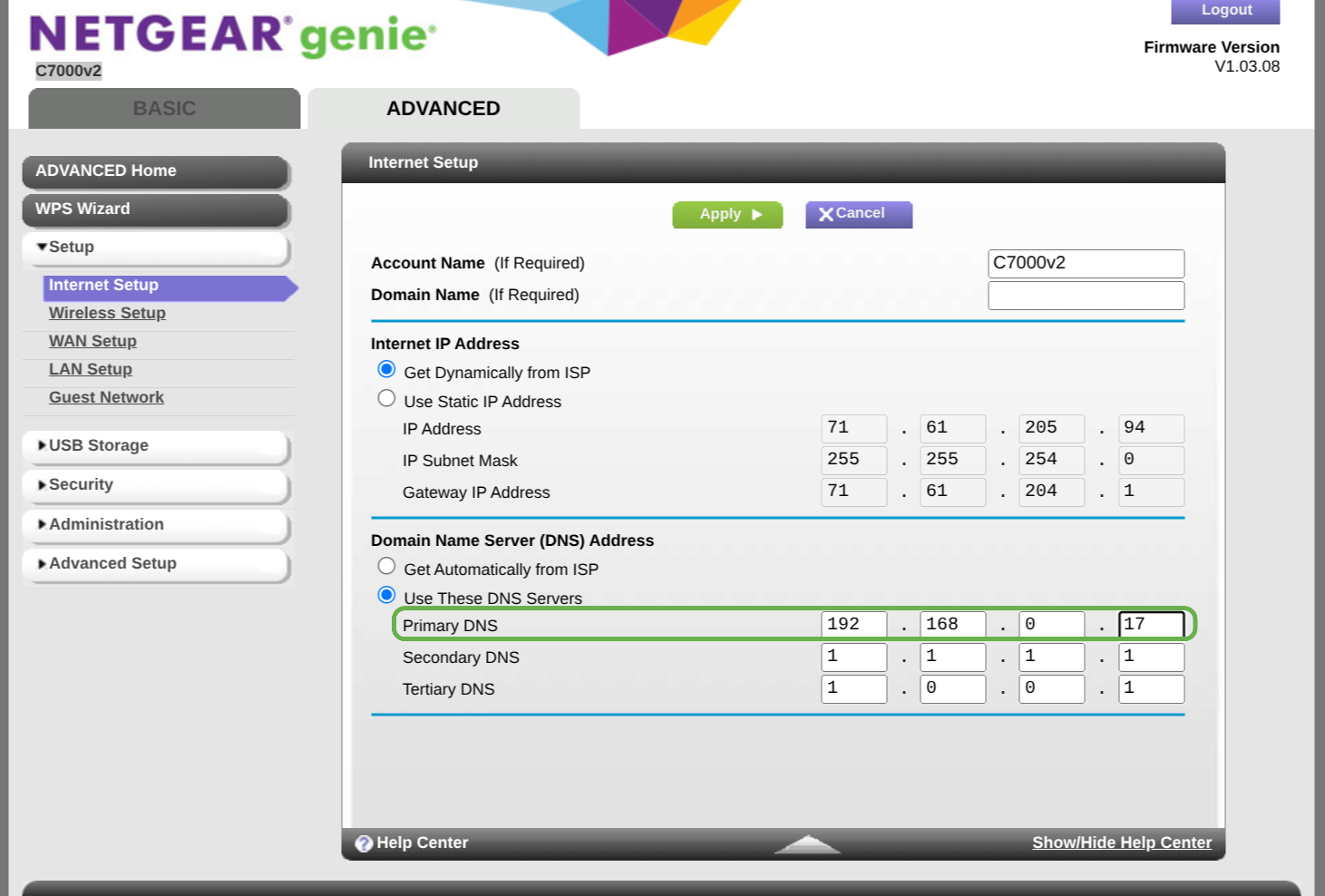
My router does a full restart and changes should be in effect.
Troubleshooting#
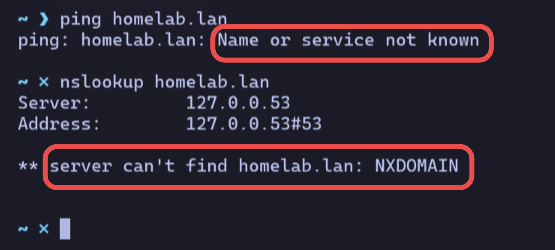
At first, I’m unable to ping homelab.lan from my laptop.
I run an nslookup on the domain and notice that it’s using 127.0.0.53 as my DNS.
This is not expected.
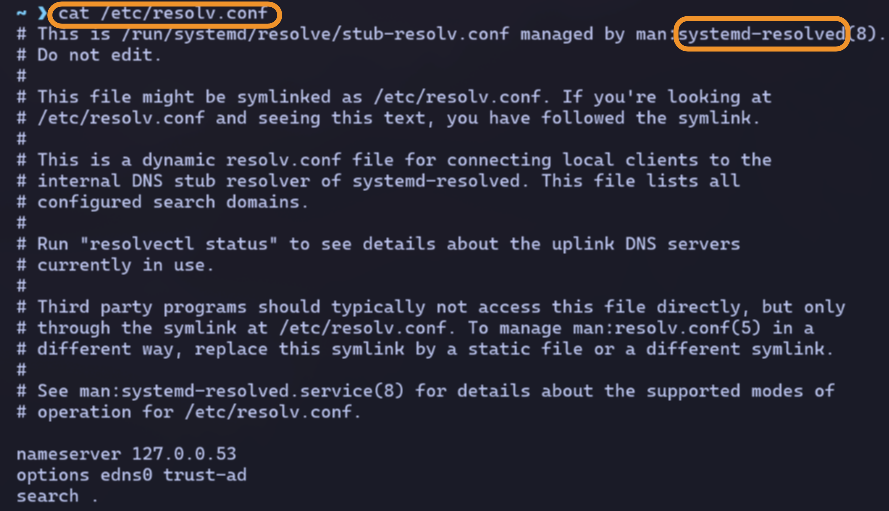
Inspecting my /etc/resolv.conf reveals my DNS is handled by systemd-resolved.
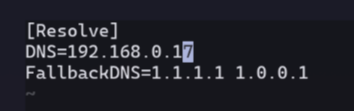
I edit the config at /etc/systemd/resolved.conf and manually set my primary & fallback DNS.
After my config is reloaded, nslookup works!
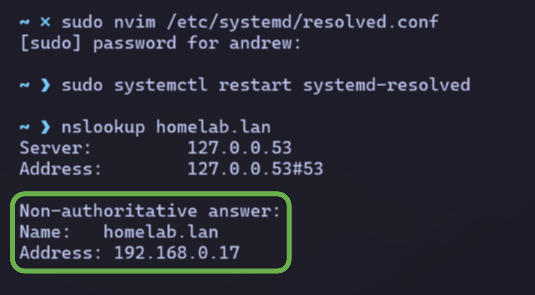
homelab.lan is reachable.