Ch 1: A Linux Box#
This machine will be the core of my homelab.
Hardware#
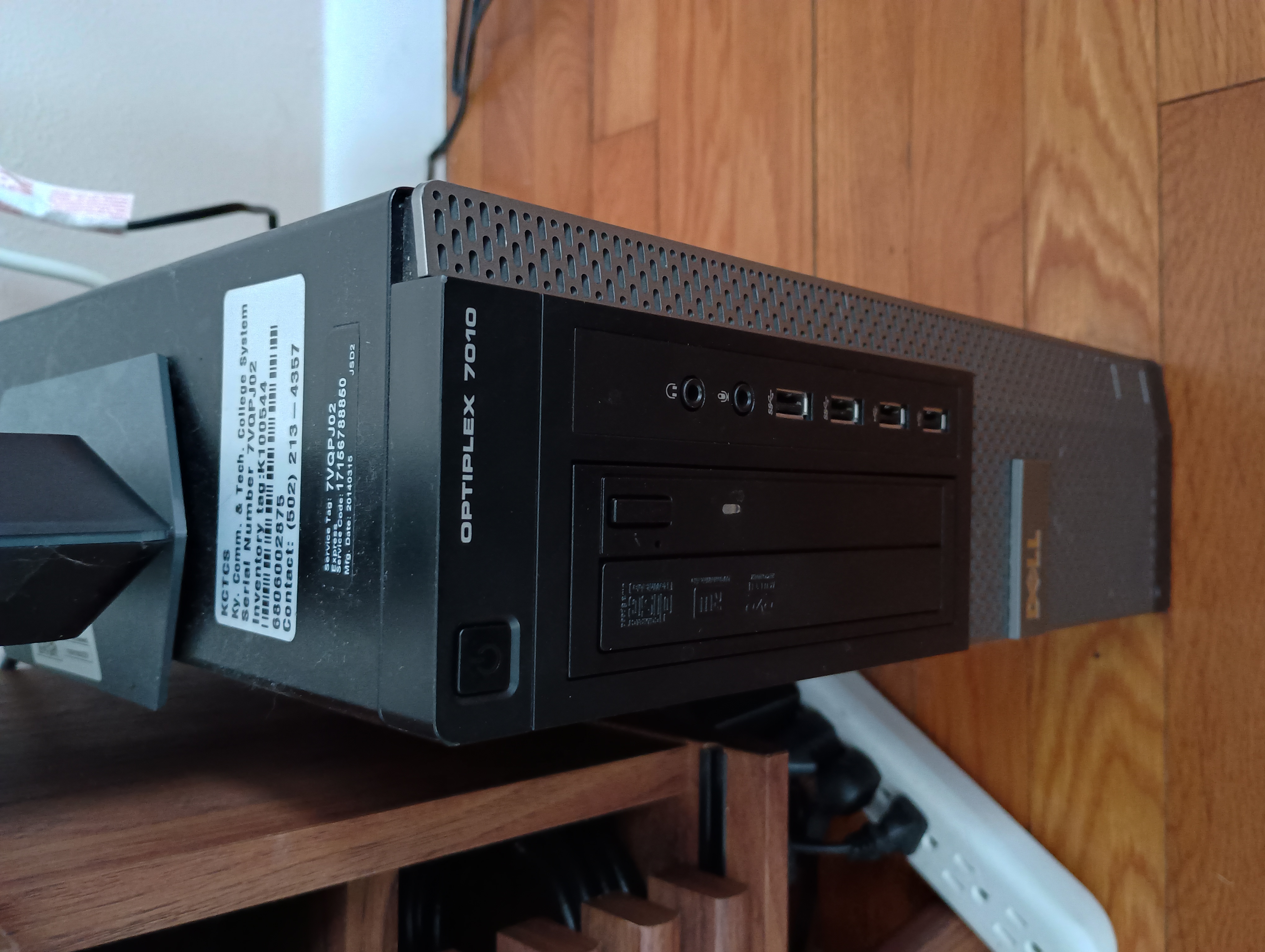
I have an old Dell Optiplex 7010 Desktop laying around that I had purchased off ebay back in 2022 for around $100.
The sticker on top suggests it had been retired from a tech college. ♻️
Specs:
- Year: 2014
- CPU: i5-3470 3.20GHz
- RAM: 8GB
- HD: 500GB
OS#
There are a ton of Linux distros out there.
Ubuntu Server was my first thought, being that Ubuntu (desktop) is one of the most popular beginner distros.
However, upon further research, I decide on Debian.
Reasons:
- comparatively minimalist
- known for stability and long uptime
- its the base for many other distros, including Ubuntu
Installation#
Prepping bootable USB#
I download the Debian network installer ISO file to my laptop, which is another refurbished ebay purchase: a Thinkpad X1 Carbon Gen 9 running Omarchy Linux.
Using the lsblk command, I discover the name of my attached usb drive (sda).
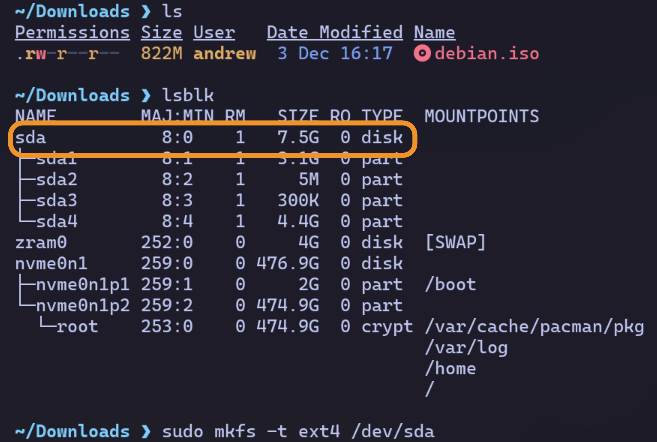
I then run sudo mkfs -t ext4 /dev/sda to reformat my drive with an ext4 file system.
Lastly, I copy the debian ISO onto my drive with sudo dd if=./debian.iso of=/dev/sda status="progress".
ifis the input file (the ISO)ofis the output file (my usb)progressoption outputs progress to my terminal
Running the installer#
After attaching the USB to the Dell along with a spare monitor and keyboard, I turn on the power and hit f12 to enter the boot menu.
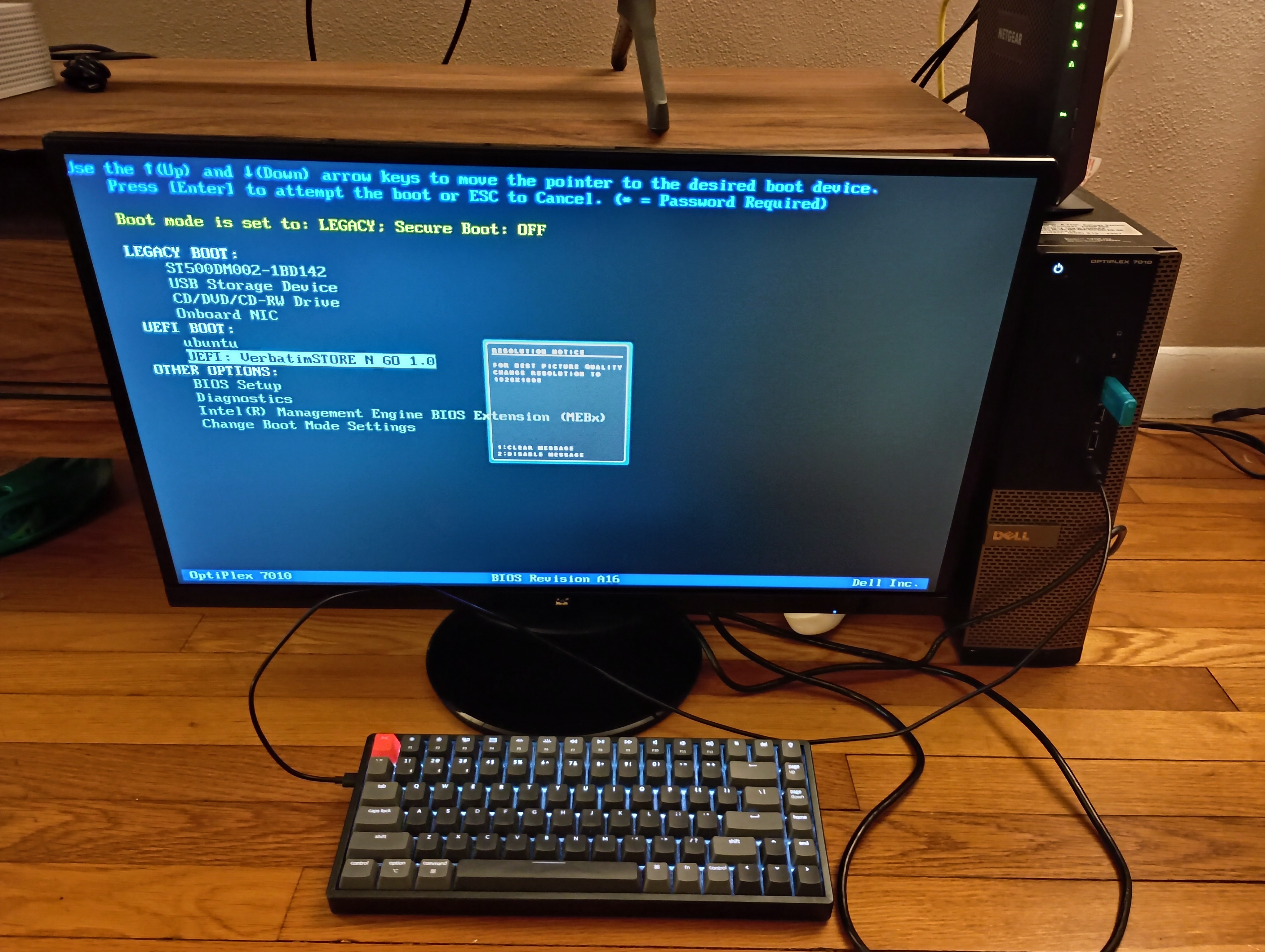
From here I select the USB drive as the boot device and enter the Debian installer.
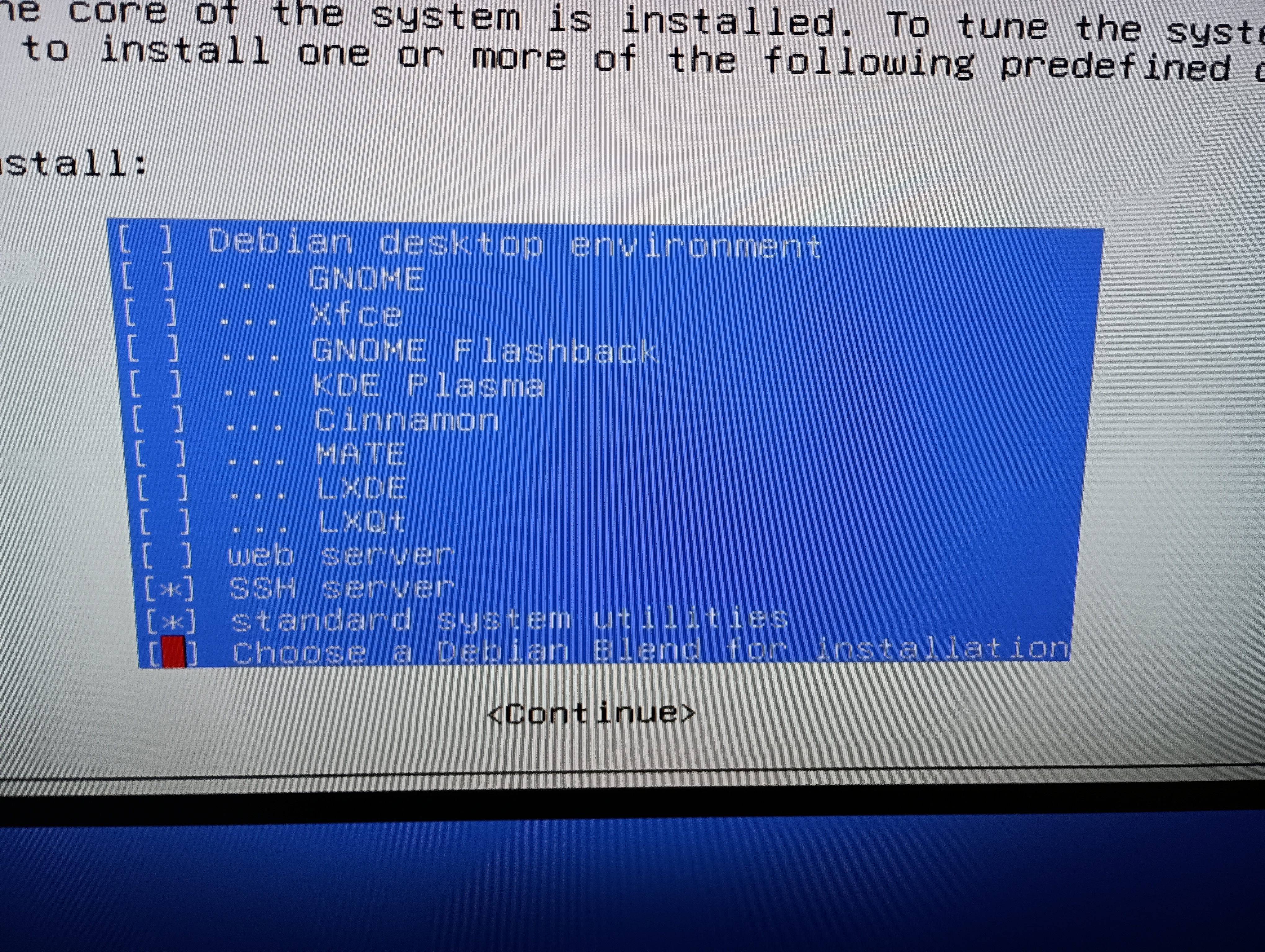
The only package I need in addition to the standard system utils is the SSH server (more on this in Ch 2)!
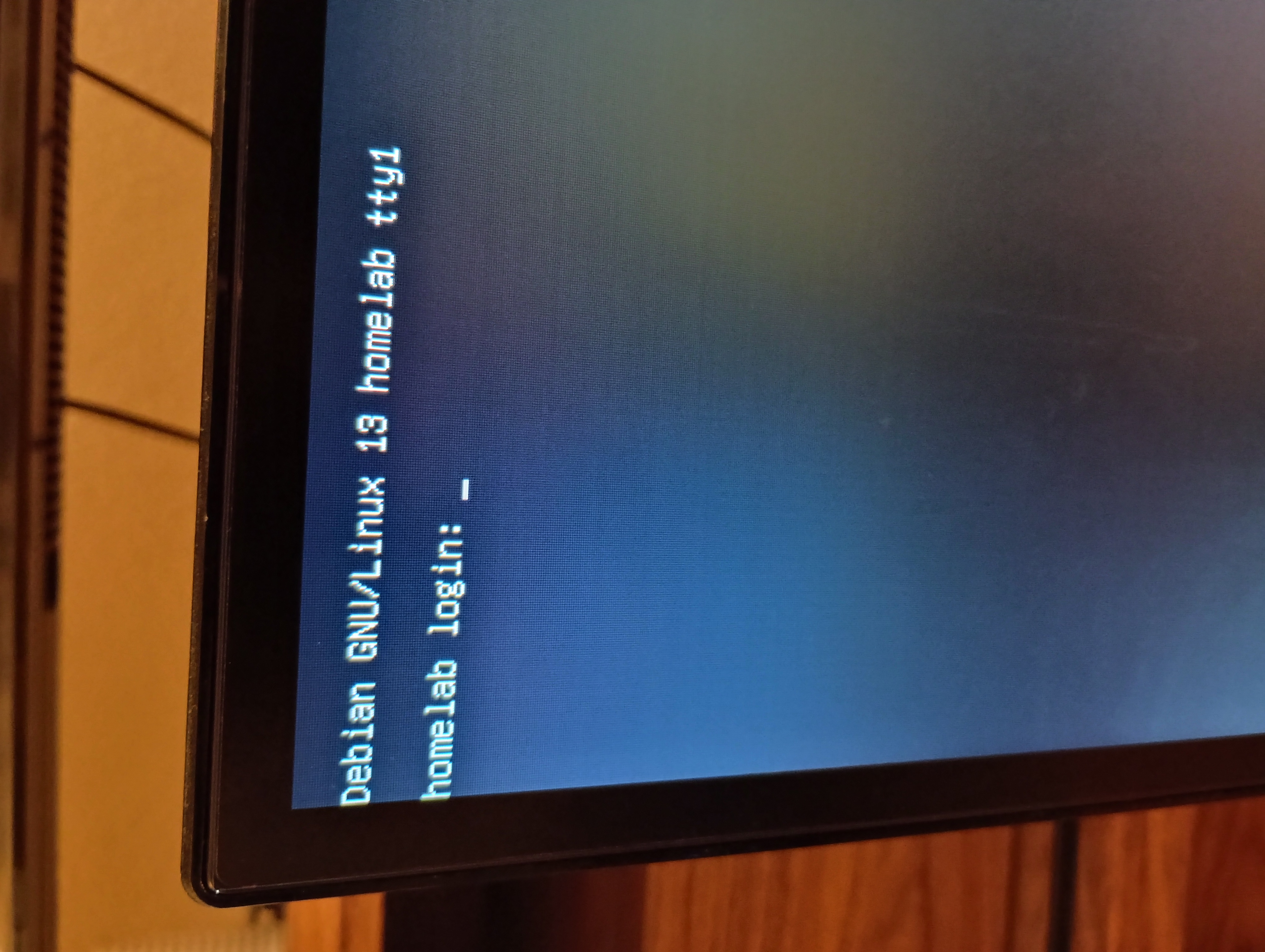
Voila. A Linux box.